While working on a Django app in VS Code you might run into a problem. VS Code underlines the from keyword in an import, and if you hover it with the mouse you will see the error Unable to import 'django.db' pylint(import-error) showing up.
This is because VS Code is not running the Virtual Environment of the app.
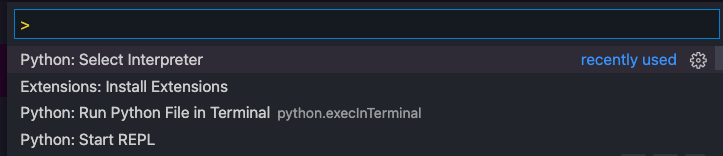
To fix it, run cmd-shift-p (or click View -> Command Palette and run the command Python: Select Interpreter.
VS Code will show you a list of Python interpreters found.
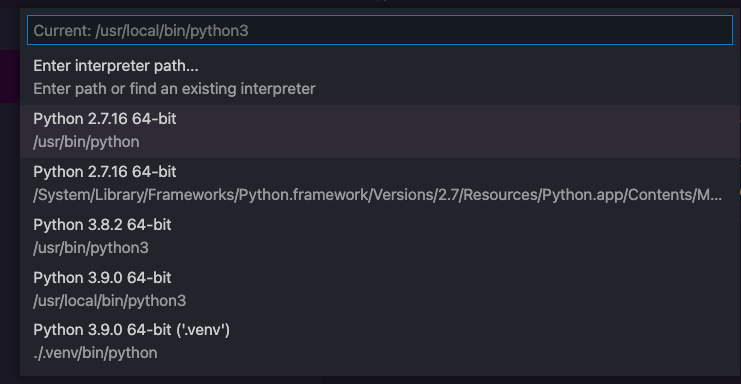
Choose the one corresponding to your virtual environment, in this case the last option.
The error will disappear.